
Animo
Creating a Cursor extension that helps teachers, students and creators to make videos
Introduction permalink
With much love ❤️ to all of you.
One of the main challenges for a video editor that also functions as a code editor is that it requires a lot of work to reach the standards of modern editors. On top of that, I listened to creators who wanted to stay on their favorite editor instead of switching to a new one—whether for familiarity, productivity, or other reasons.
So, it's time for the last part!
Let’s focus on creating a new Animo, a more powerful, easy-to-use, and affordable tool that works inside your favorite editor, even if we have to rethink everything from scratch. When something has been on your mind for a long time, it means it’s time to make it real.
What is Animo? permalink
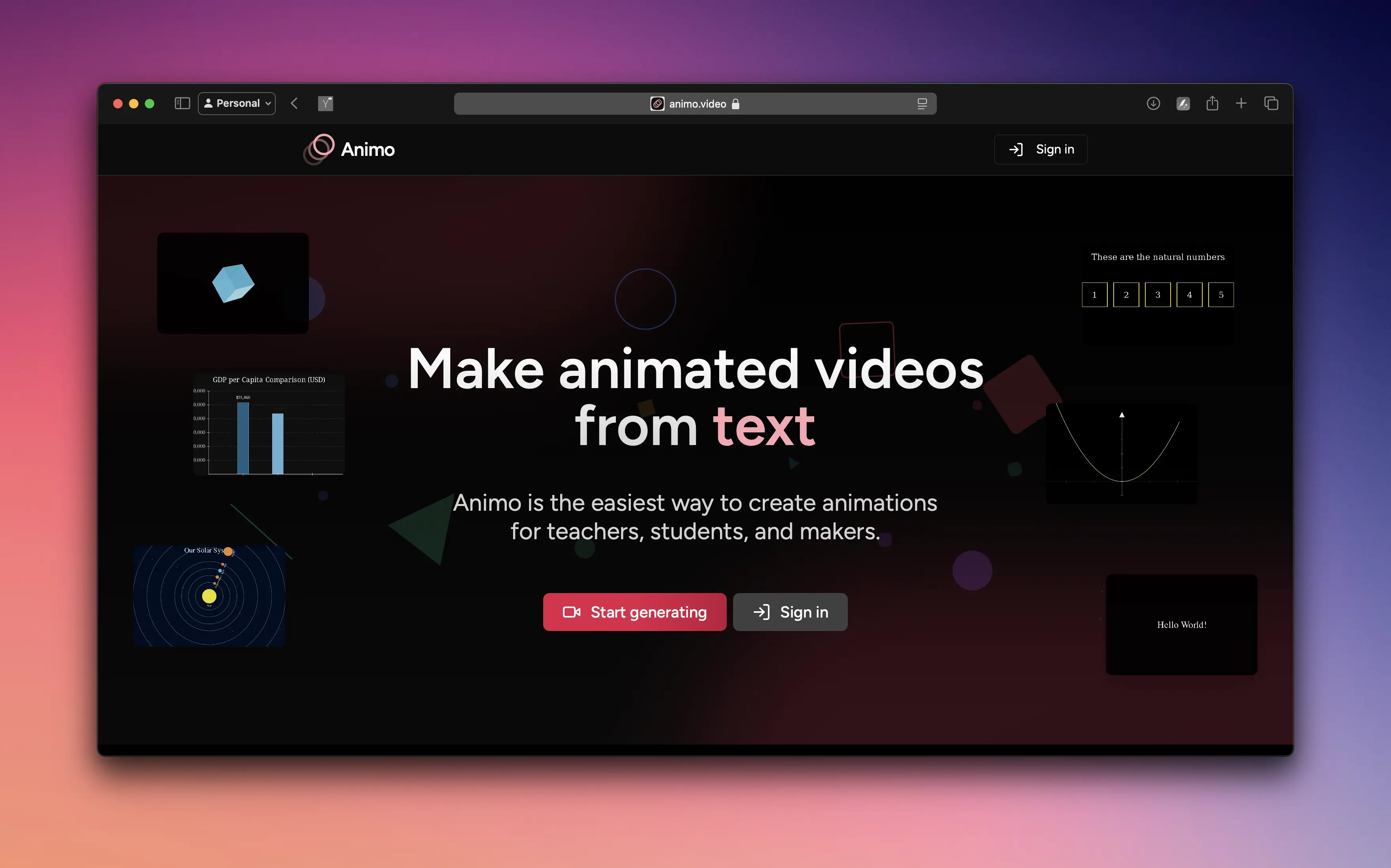
Animo is a VSCode-family extension that allows your AI editor to generate animations from text.
History permalink
It’s May 2025, fall is starting, and I began working on the AGI project, short for Artificial Graphical Intelligence.
Before that, I had to learn how to develop VSCode extensions. After that small break, I finally got back to it. My first idea was not to use MCP but to modify the code editor’s chat panel deeply.
During the month of May, I made some progress, but VSCode’s limitations were bigger than expected, so I had to rethink everything again.
Trying MCP permalink
Eventually, I decided to try using MCP even though its usage was still low. I wanted a simple and fast way to use MCP without making the user install a lot of things manually.
I could have asked users to install everything: Python, MCP, Manim, FFMPEG, integrations, API key setup, and viewer. But the software needed to be plug and play.
So I came up with this strategy: • Everything is moved into an extension. • The user installs and activates MCP. • A copy of the server is created locally. • A button installs everything needed while the user logs in. • That same button authenticates the user and detects where the extension is used. • Finally, it installs the context in the right folder!
At the end, there is one last button that confirms everything is ready. You press it and can start by typing something like:
“Create a red circle for me.”
And this is Animo, now with AGI capabilities.
How It Worked (For a While) permalink
Every time a video was requested, the model used MCP to render it and then Animo to describe it.
That was where the magic happened. The model could freely adjust the video as it learned from previous iterations.
But getting models to actually call MCP was a challenge. Smaller ones, like Cursor’s small model, did not call it at all. Debugging was difficult, but reading about Code Mode and how Cloudflare handles similar systems helped a lot.
I have to rethink it one more time. Why do I need an MCP to begin with? Every model in this moment can run code, and can run commands. So why not create a system that directly uses the model through one single command line interface? That way we don't need to deal explaining the user we're working with an MCP.
And Then I Removed MCP permalink
After all the experiments, I decided to remove MCP completely.
Instead, I focused on building scripts and prompts that could be used directly by agents. Just like in Code Mode, I send a context sheet with all the typing needed to call scripts. This gives the model more awareness of what is going on.
That change made everything simpler and faster. In the end, what I built started to look like something called Simple Language Open Protocol (SLOP), my own take on a more open and flexible system.
A better future permalink
This new version of Animo includes a video version history. A new folder called .agi is created inside the user interface.
It stores extra copies of code and videos, displayed in a timeline so users never lose their progress.
Everything can be shared online, similar to Lovable, and collaboration continues from there.
Affordability and Accessibility permalink
Animo is getting cheaper and more accessible. Today we have many options on where to code and create things like:
- VSCode
- Cursor
- Windsurf
- Kiro
There are developers working on all of them for different reasons, one of them being affordability. For example, both VSCode and Kiro have very competitive pricing plans.
So far, in Animo Platform, we have integrated powerful models like DeepSeek, Gemini, and Claude Sonnet 4 (my personal favorite for now). To make Animo sustainable, I created a flexible pricing plan so that we charge only for what you use in tokens.
However, in VSCode, for instance, a token costs less than when purchased directly from Anthropic. So why not give the power back to your editor and YOU 🌴?, allowing us to charge only for the value we add on top of it, such as templates, updated prompt files, web uploads, and AI image analysis.
And that's where Animo shines.
Design and UX permalink
On the design side, I built a longer onboarding process to better understand who the user is, what they are looking for, and what they want to achieve with Animo.
For UX, I added a Top Users section showing weekly and monthly creators with the most shared videos.
In short, Animo became more accessible, cheaper, and better. It can use any top model, including Grok, Anthropic, OpenAI, Gemini, or Cheetah.
Launch and Friends Release permalink
By October, it was time to launch. After a few last-minute fixes, I published the extension on both VSCode Marketplace and OpenVSX, introducing the Friends release.
This stage let friends and early community members test everything, including onboarding, buttons, and pages, to find what needed improvement.
Design Philosophy permalink
Design was a big focus in this new version. My rule was to follow the same design system everywhere.
For example, PlatKey, a Chrome extension, uses Platzi’s design style instead of Chrome’s. But for Animo, I wanted users to feel like it naturally belonged inside their editor.
VSCode exposes its color schemes and design tokens, so I used them to make Animo feel native.
Small Details permalink
Users can share videos instantly with a link that includes a random happy cat image, just to make them smile when they open it.
Something funny I found is that Cursor keeps the “Extensions” tab closed. I made a URI, kind of a deep link, that opens it directly. But during launch week, a bug caused the tab’s extensions to disappear randomly.
To fix that, I created a small Command + Shift + P challenge. The user presses it once, and I guide them to do the same in Cursor or any VSCode-based editor to open the tab manually.